Facebook Ads for Allied Health Businesses

Find me on fb.com/bobjones
Hey there! My name is Bob Jones and I'll be your friendly Facebook Ads guide for the next 30-ish minutes 🤓
Full time digital marketer since 2004
Running Facebooks Ads since 2012
Worked on thousands of campaigns for hundreds of clients all over the world
Definitely not as grumpy as I look
With a dash of ADHD
01.
What are Facebook Ads?
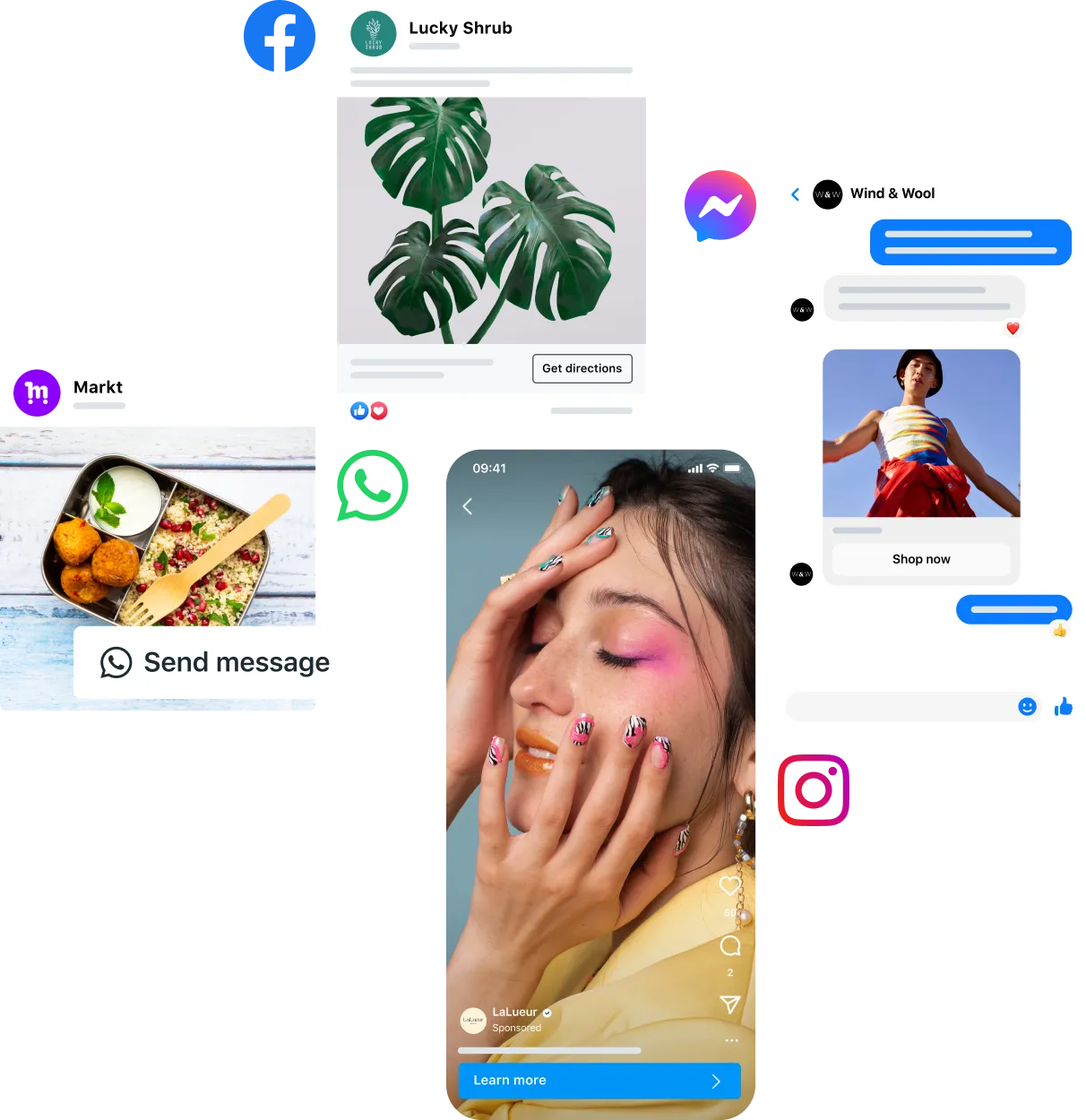
Simply said, Facebook Ads are ads that can be published on all of META's platforms (Facebook, Messenger, Instagram, etc) and can help with the following business objectives:
Increase online sales
Generate qualified leads
Drive engagement
Send more traffic
Build awareness
02.
Why use Facebook Ads?
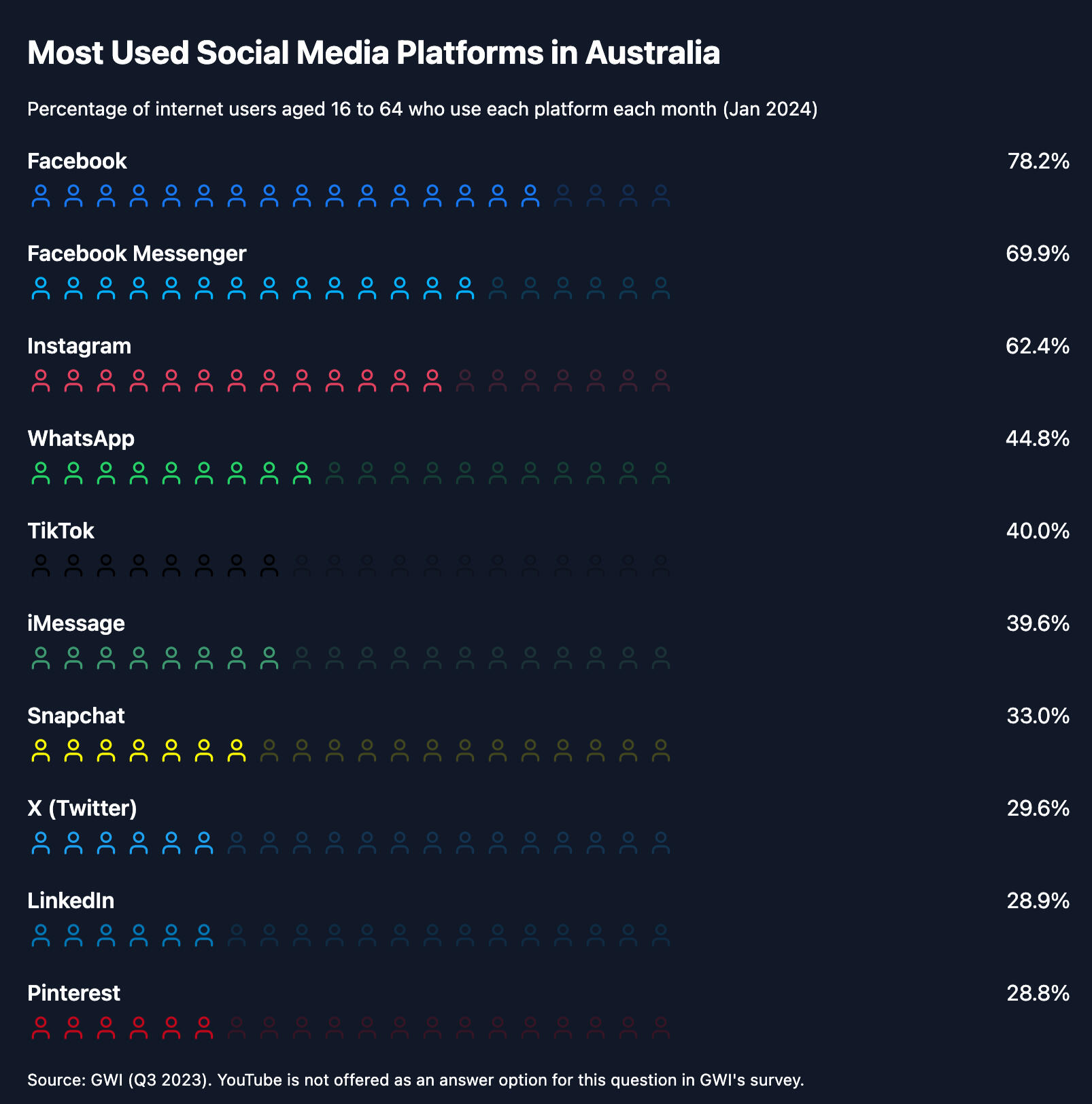
15 million Australians use Facebook every day
Messenger, Instagram and WhatsApp are all owned by META
Cost-effective compared to traditional advertising because we can see what works (and what doesn't)
Measurable results and ROI, scalable and great to quickly test ideas
03.
What you need to start
While META is trying to make Facebook Ads as simple as they can, there are still quite a few things you need to setup before getting started.
A Business Manager Account
A Facebook Ad Account
A Facebook Business Page
A Facebook Pixel
04.
How to Create a Plan
Before you hit that quick and easy boost button, make sure you know what you're trying to accomplish. It's all too easy to just hit the next button, but taking the time to set up your ad campaign the right way is crucial.
Decide what you need the ads to do. Sales, Traffic, Leads, Engagement
Know who (and who not) you want to see your ads
Consider your budget. How much can you spend per conversion?

05.
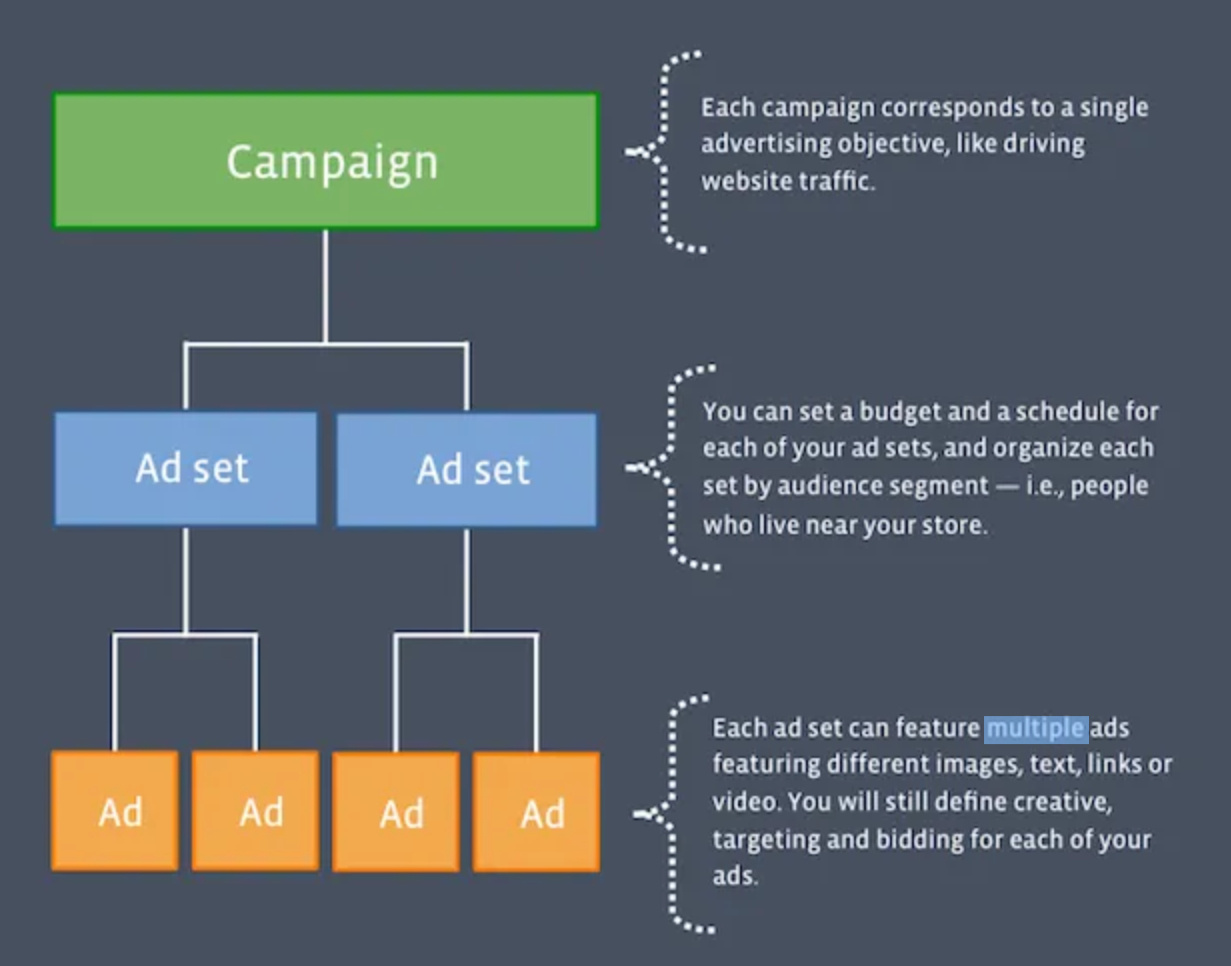
Campaign Structure
Everything you setup on the campaign level will flow through to the Ad set and ads.
Campaign: Name, Objective, Budget
Ad sets: Conversion event, Audience, Placements
Ad: Copy, Creative, Tracking
06.
Campaign tab
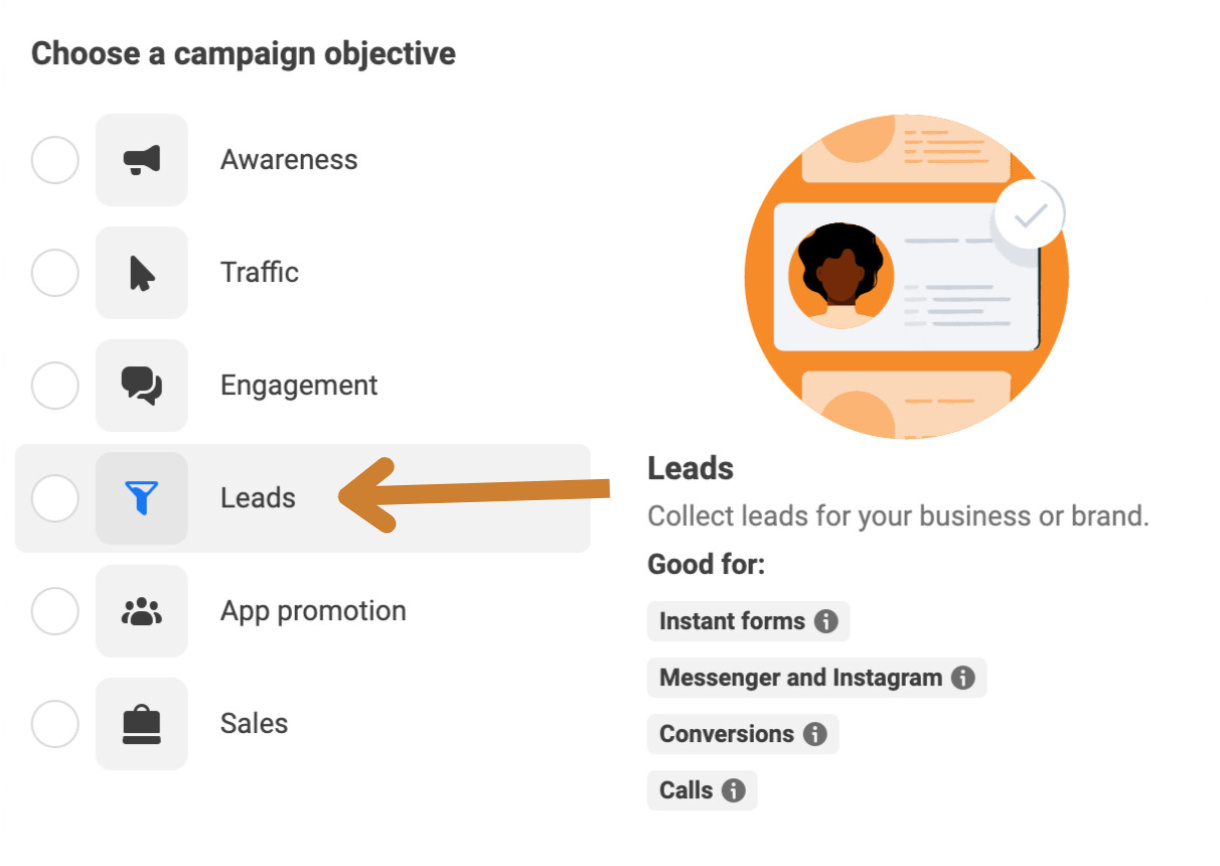
Make sure to select the right objective for your campaign. Every objective will have slightly different features enabled, and once you publish your campaign, you won't be able to edit this.
Use an easy to remember naming convention (e.g New Leads June Offer)
Pick the right objective for your goal (can't change later!)
Select Advantage campaign budget. This is Facebook's AI trying to distrubute your budget in the best way possible)
07.
Ad set tab
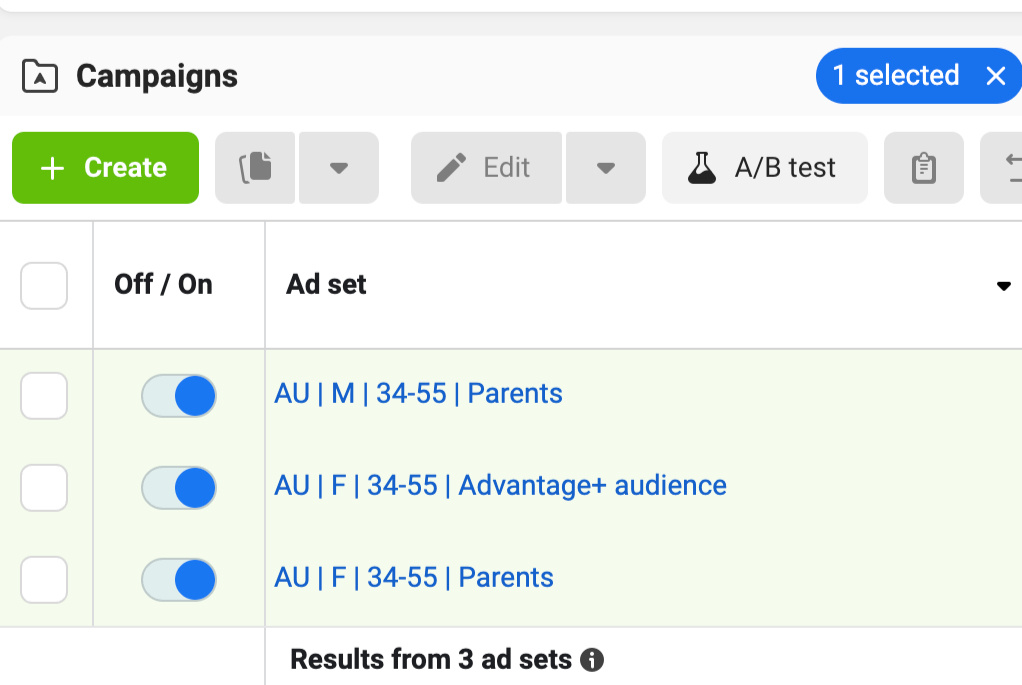
You should always have at least two Ad sets running within a campaign to test which audience is performing better. With Advanced campaign budget enabled, Facebook will decide which of the two should get the budget.
Conversion Event: Make sure you have the META / Facebook pixel installed properly. Without it, your ads will never optimise
Audience Targeting: You can refine your audience here, my recommendation is to go broad and let Facebook figure it out
Placements: The Advantage+ audience is the easiest way to get seen on the most relevant platforms, but alway test this (2 Ad sets A/B testing)
08.
Ads
Always be testing. The trick is to have multiple ads running at the same time, and compare the numbers to find and scale the winning ads, while pausing the losers.
Select
Dynamic Creativeon the Ad set tab. This allows you to add multiple assets (copy, creative, CTA's) in an ad, and let Facebook AI find the best performng onesALWAYS turn on tracking (bottom of the Ad tab) because you're burning budget otherwise)
Have fun and don't assume you know your audience. I've had terrible ads do extremely well, and ads we spent hours on perfecting, completely tank.
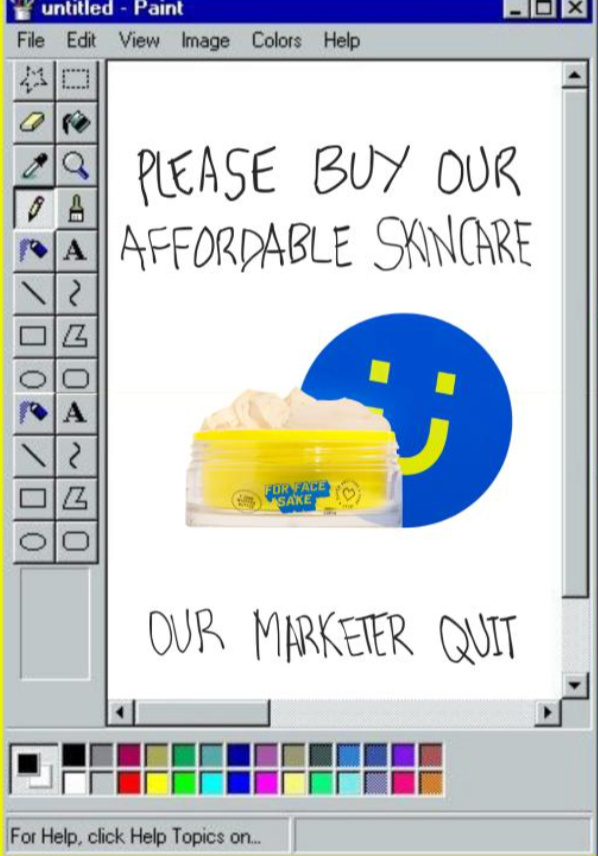
❗️Remember it's all about the offer! Great ads don't matter if nobody buys the offer
09.
What does winning look like?
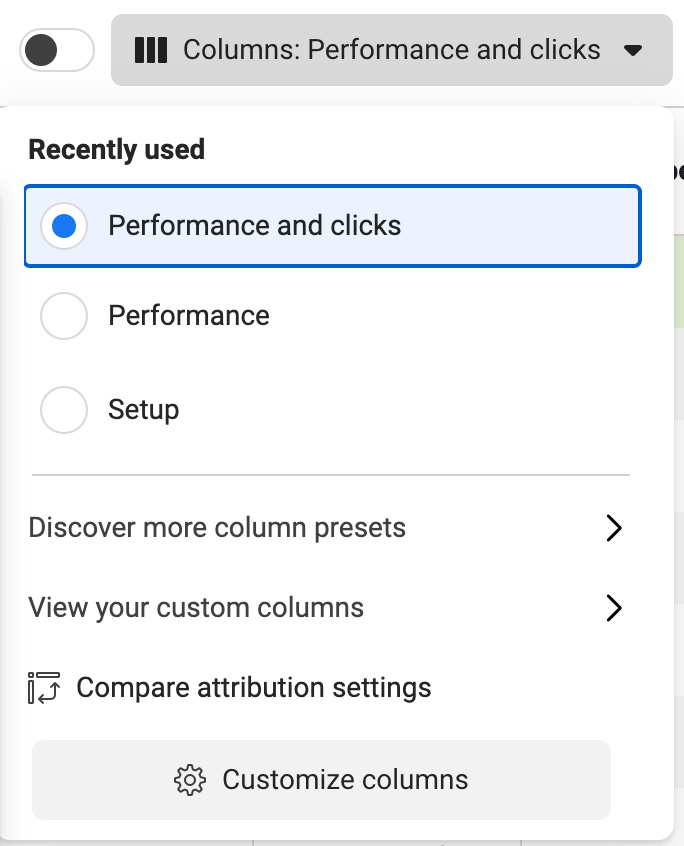
It's crucial to understand what a winning ad looks like. There are a LOT of metrics on the dashboard. These are the four important ones that I consider:
Results: Are you actually getting the results that you're optimising for?
CPM: How much are you paying per 1000 impressions?
CTR (link click-through rate) What percentage of people are clicking through to the destination in your ad?
Cost per result: What did that new lead, sale, subscriber cost you?
The end!
Like to chat with me about Facebook Ads for your business?
Send me a quick message here or find me on fb.com/bobjones
Resources:Facebook Blueprint
Facebook Ads Library
✨ Facebook Ads Campaign Generator